
Property Map
Map. Arrange. Snap.
About the project
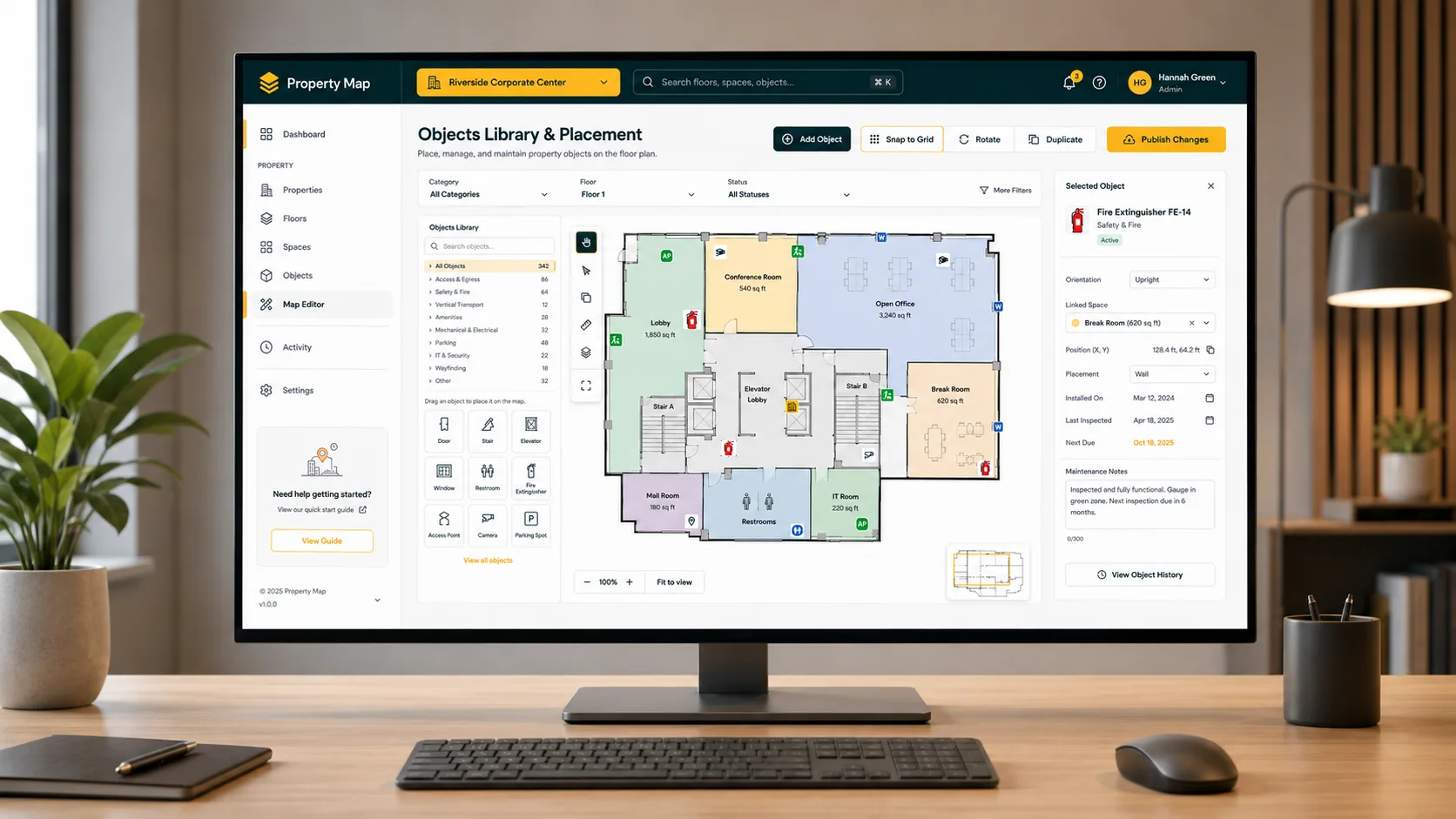
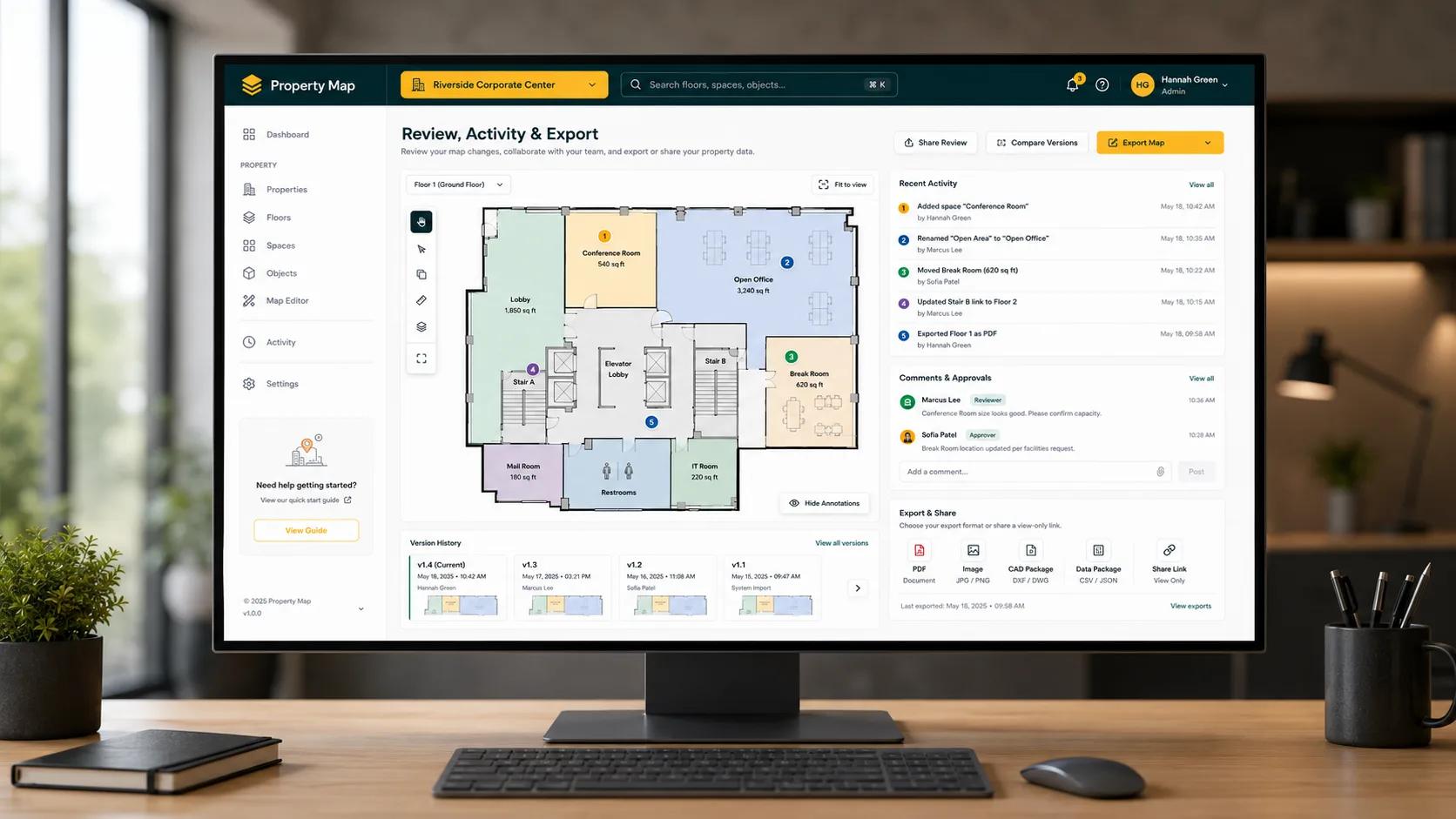
Property Map is a visual mapping tool that helps users create and manage a digital layout of a property using spaces and objects. A property can contain multiple floors, where spaces represent rooms and objects represent elements such as stairs, doors, and other property assets.
Start a project →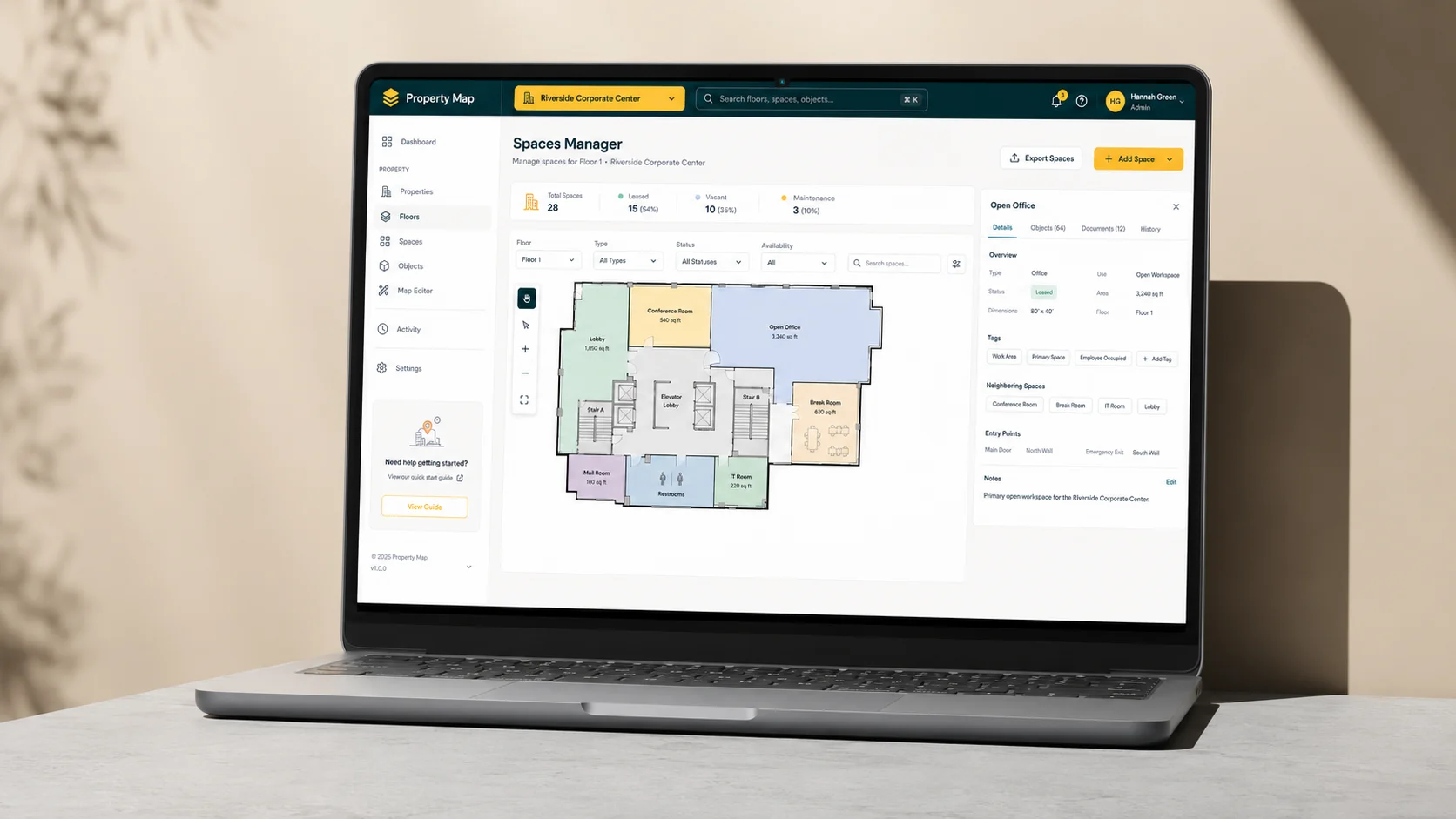
The Challenges
Accurate, Collision-Free Layout Editing
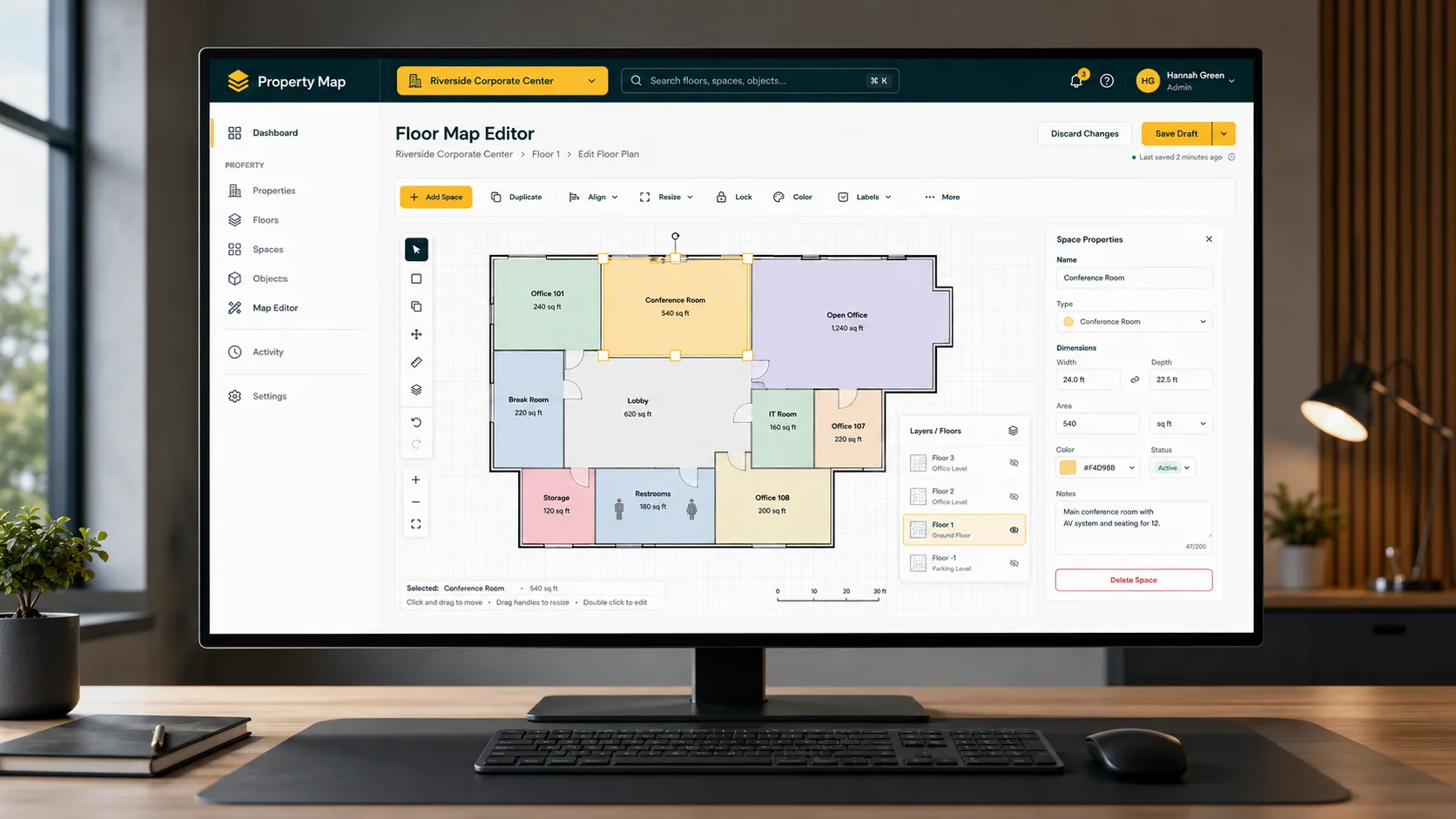
The existing map editor allowed spaces and objects to overlap, lacked proper snapping between entities, and caused placement issues when rotated spaces blocked nearby objects or rooms. Handling collisions around borders also required extra care because borders were included in the detection logic.
The Solution
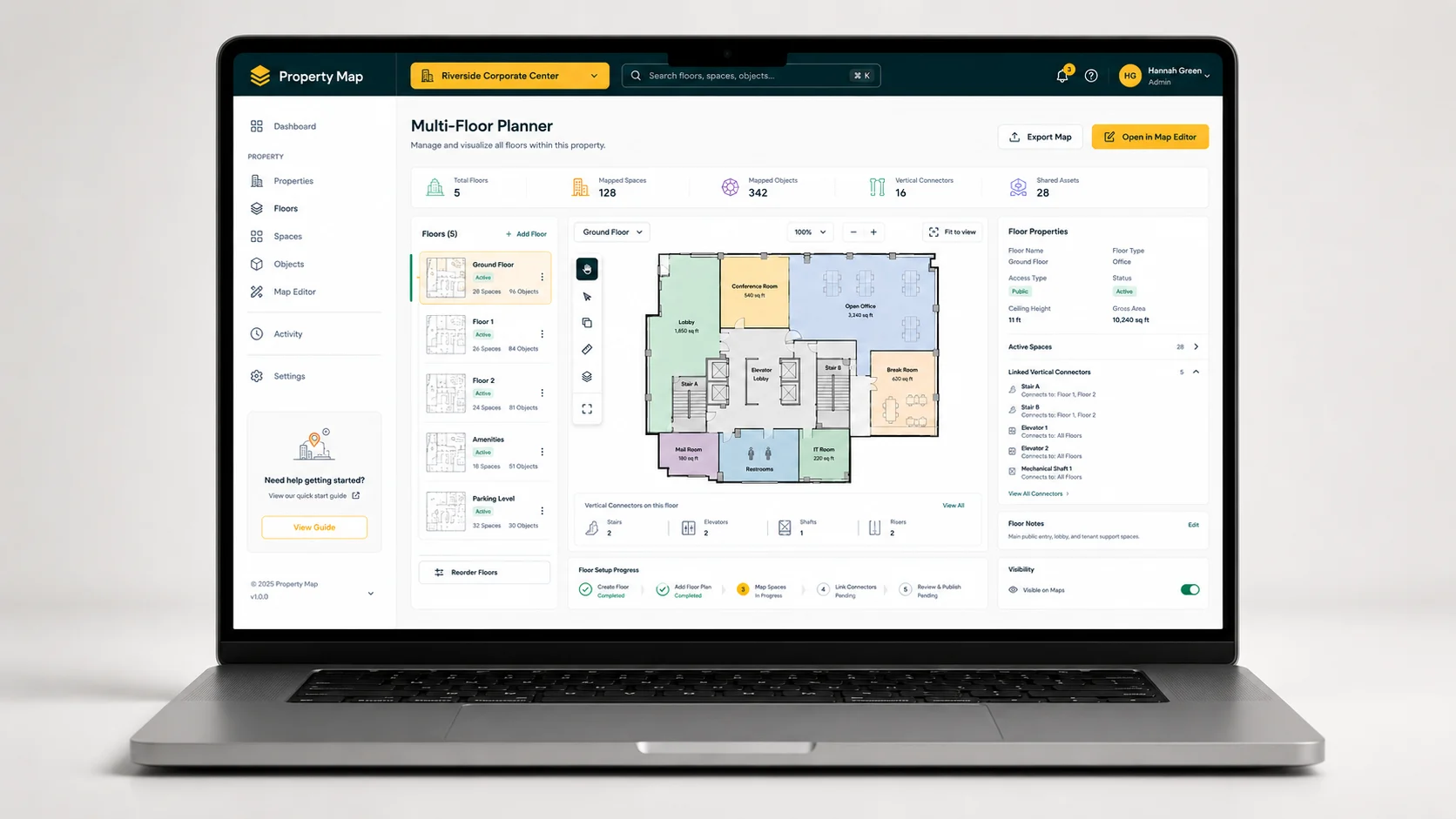
Smart Snapping & Collision Detection Editor
We built a Vue.js single-file component for the web app and served the compiled component through a Docker-based server setup. Users can select a property, drag spaces and objects from the asset panel onto the canvas, rotate entities, and resize objects while editing the property layout.
To improve layout accuracy, we implemented collision detection using the Separating Axis Theorem, along with snapping, auto-snapping, and overlap-snapping. When entities are dragged near each other, they automatically snap together, while overlapping elements are repositioned based on the overlap factor and safely reverted if another collision is detected.

From friction
to flow.
- Before
A monolithic editor with no clean structure.
AfterCore architecture parts: Vue web app and Docker-based server
2Architecture Parts
- Before
Spaces and objects overlapped freely, breaking layouts.
AfterMajor editing improvements: collision detection, auto snap, and overlap snap
3Editing Upgrades
- Before
No reliable way to detect shape collisions.
AfterSeparating Axis Theorem implemented for accurate shape collision detection
SATCollision Engine
